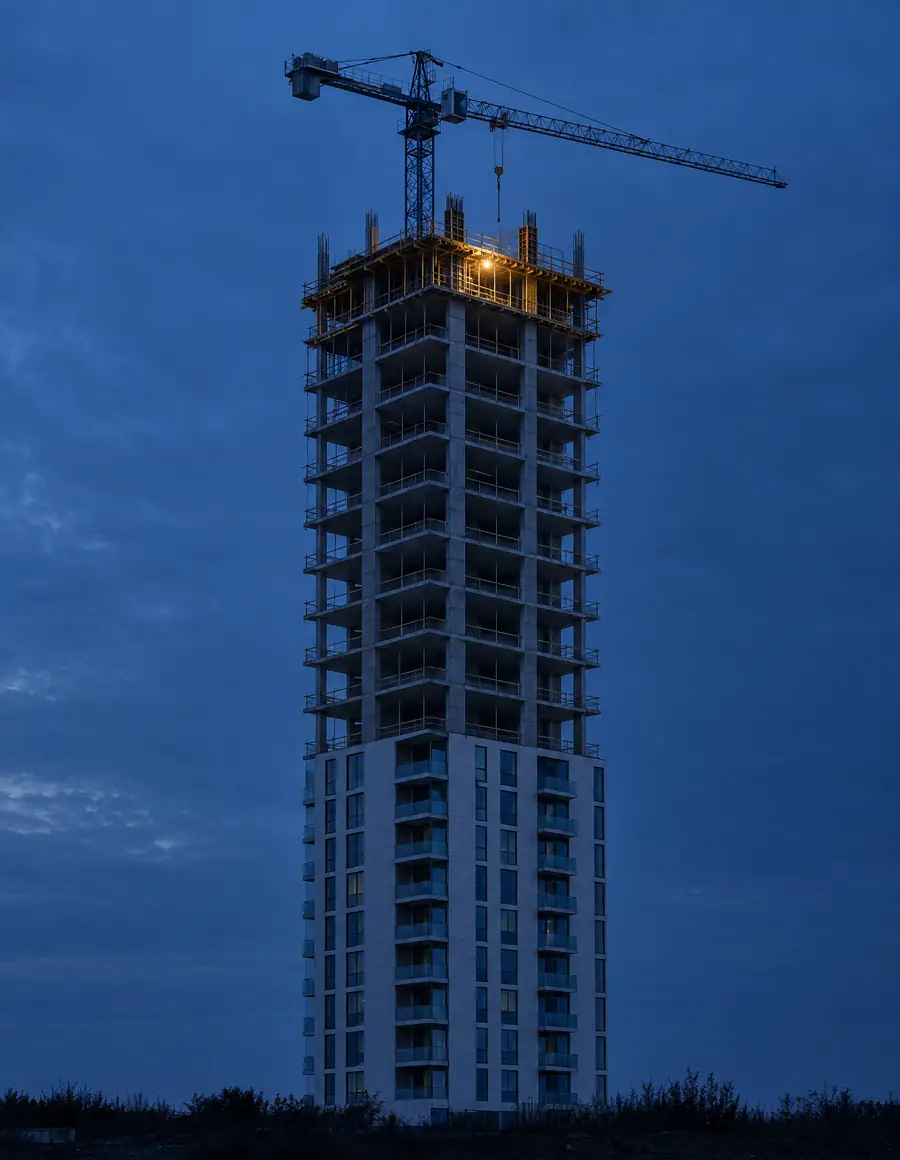
4D BIM simulation virtual construction and project planning
We add time to the 3D model to show how construction progresses at every stage of the schedule, improve coordination and anticipate risks.
Request a consultationTime as the fourth dimension
The project is built first in the model
4D BIM simulation adds time to the 3D model. We connect BIM geometry with the project schedule in MS Project or Primavera P6 to create an accurate virtual construction: analyzing construction sequences, critical paths and space–time clashes, and optimizing site logistics. We simulate in Autodesk Navisworks Manage.
A real 4D plan
Construction, week by week
Scroll through the schedule: the model is built in the order and on the dates of the programme. 4D planning developed by KAMON & CO. in Navisworks TimeLiner.
Week 1 / 23
1 Sept 2026 · Working day 1 of 124
Foundations


- Built area
- 845 m²
- Plot
- 24 × 12 m
- Calendar days
- 156
- Working days
- 124
Two-storey building. Sequence from the TimeLiner simulation with a rescheduled programme: construction start 1 Sep 2026, planned completion 3 Feb 2027. No work on Sundays, public holidays or 24, 25 and 31 December, 1 and 7 January. The final image is an AI-generated visualization from the model, not a site photograph.
Scope
What does the service include?
- 01
Model and schedule
- Linking 3D models to schedules
- Preparing 4D elements by levels, zones and construction phases
- Reviewing and adjusting the model to the schedule provided
- 02
Simulation
- Construction simulation and time sequences
- Planned versus actual progress comparison
- Models and simulations with technical rigor (LOD 300 – 350)
- 03
Site analysis
- Time clashes and overlapping activities on site
- Logistics optimization: laydown areas, machinery and access
- Critical path review
- 04
Coordination
- Interdisciplinary coordination including time
- Data structured and parameterized under BIM methodology
- The final scope depends on the information provided and the needs of the project
LOD 300 – 350
Level of development of 4D models and simulations.
Samples
From schedule to simulation
Simulations developed by the KAMON & CO. team: the schedule linked to the model, the sets by discipline and the structural sequence. Tap any image to see it in detail.
-
Linked schedule
Schedule activities with their bar chart and the model being built according to the simulation date.
-
Sets by discipline
Federated tower model in Navisworks, organized into architecture and structure sets to link them to the activities.
-
Structural sequence
Bar chart of the structure by levels beside the concrete model in progress.
Advantages
Why plan in BIM with ?
Progress seen in advance
Construction progress visualized against the plan and schedule before it happens.
Clashes in time
Timely detection of space–time clashes between disciplines before execution.
Optimized critical path
Better delivery times and resource allocation.
Fewer surprises
Fewer unforeseen events, rework and cost overruns during construction.
Project control
Clear communication with design, site teams and stakeholders, and tracking of planned versus actual progress.
Applications
Which projects?
- 01Residential projects
- 02Commercial projects
- 03Institutional projects
- 04Infrastructure
Process
How we implement 4D
- Step 013D model
- Step 02Schedule
- Step 03Levels and zones
- Step 04Linking
- Step 05Simulation
- Step 06Site review
- Step 07Delivery
Frequently asked questions
Which software is used for 4D simulation?
Navisworks Manage, which combines spatial coordination with construction planning to simulate, analyze and manage changes as construction progresses. The schedule can come from MS Project or Primavera P6.
Do I need a 3D model?
Not necessarily. If the project has no model, we develop it from the drawings as the first step; if one exists, we review it and split it into levels, zones and phases according to the schedule.
What level of detail (LOD) does the simulation need?
We work with LOD 300 to 350 models: every element with its final geometry and position, organized according to the schedule activities.
Can planned and actual progress be compared?
Yes. With the actual progress provided by the site team, the simulation contrasts planned against actual progress to support control and tracking.
Does the simulation include site logistics?
Yes. Laydown areas, machinery and access can be simulated to review their sequence and detect overlapping activities on site.
What should I send for a quote?
The project model or drawings, the construction schedule, the expected scope of the simulation and the target timeline.
What does 4D BIM planning cost?
It depends on the complexity and size of the project. We define it in the quote based on the information received.
How long does the simulation take?
The timeline is set by the scale of the project or the date the client needs: we assess the scope and confirm in the quote whether it can be met. We reply to every inquiry in under 24 business hours, and the formal quote takes 1 to 2 business weeks from the moment we receive the complete information.
Do you work with clients outside Colombia?
Yes. We are a fully remote firm with projects in Colombia and abroad; we deliver the Navisworks files, the simulation videos and the model in Revit 2026 or later, or IFC.
Do you sign confidentiality agreements?
Yes. When the project requires it, we sign a non-disclosure agreement (NDA) before receiving any information.