BIM clash detection interdisciplinary model coordination
We detect and resolve interferences between disciplines to deliver coordinated, buildable, conflict-free models.
Request a consultationWhat is interdisciplinary clash detection?
Conflicts are solved in the model, not on site
At KAMON & CO. we detect interferences between the architectural, structural and MEPF models (HVAC, electrical, plumbing and fire protection). We use Autodesk Navisworks Manage to identify, classify and resolve conflicts that could cause delays, rework or cost overruns on site.
Coordination in the model
Three clashes, one beam
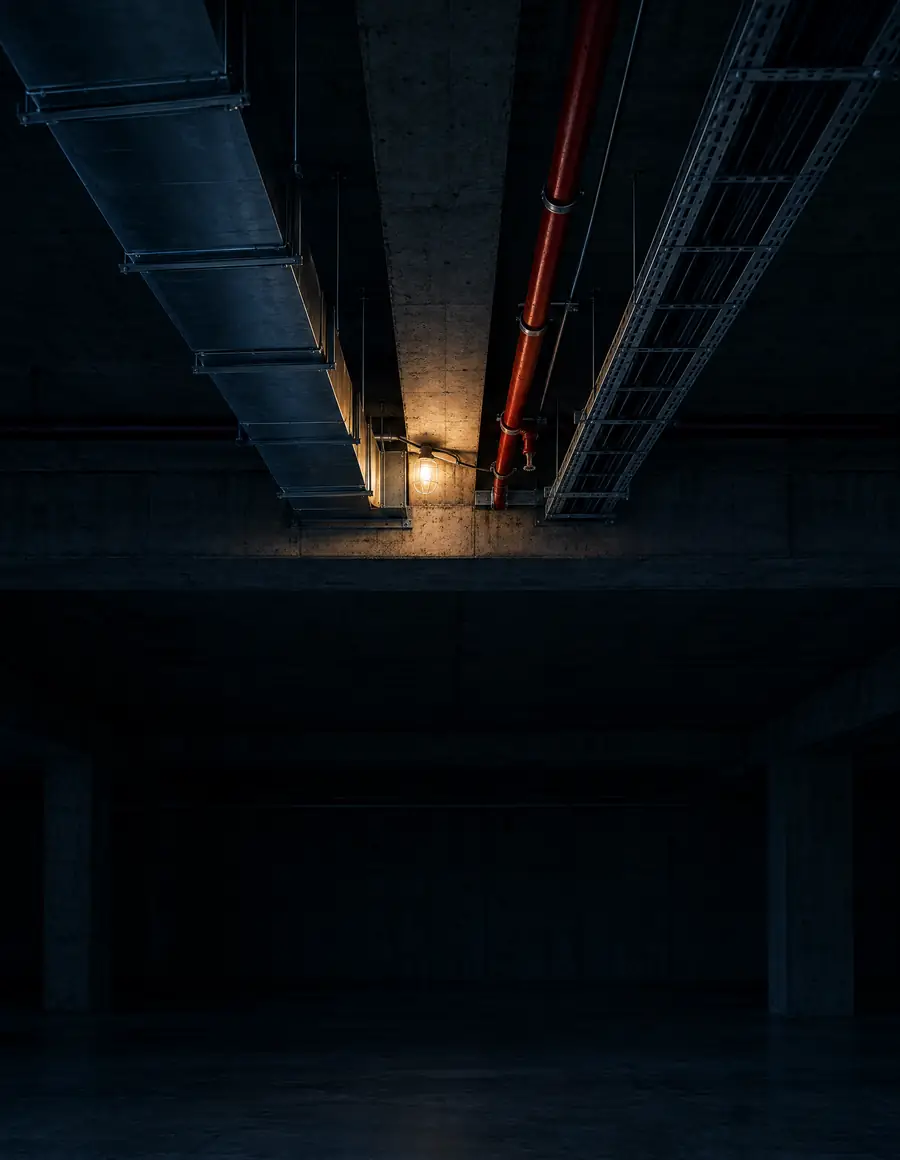
Ducts, pipes and cable trays share the space under the slab. In the federated model, clashes show up before construction. Tap Resolve to coordinate them one by one.
0/ 3 clashes resolved
- 01
Soft clash
Cable tray against beam
No clearance under the beam for installation and maintenance.
The tray drops to a level with maintenance clearance.
- 02
Hard clash
HVAC duct against beam
The duct runs through the beam.
The duct is offset below the beam, into the space freed by the tray.
- 03
Hard clash
Pipe against beam
The pipe runs through the beam with no sleeve provided.
A sleeve through the beam is proposed, subject to the structural engineer’s approval.
Scope
Our clash detection services include
- 01
Detection by discipline
- Architectural clashes
- Structural clashes
- MEP clashes (HVAC, electrical, plumbing)
- Sprinklers against architecture and MEP
- 02
Coordination
- Interdisciplinary BIM coordination
- Clash matrices by discipline
- Conflict resolution and follow-up
- 03
Control and reports
- Model auditing and clean-up
- Clash reports (HTML, XLS, Navisworks)
- NWD files with organized viewpoints
- 04
Types of clash
- Hard clash: direct collisions between elements, such as pipe against beam or duct against wall
- Soft clash: missing clearances or maintenance zones, access and service openings
- Workflow clash (4D): activities incompatible in time or in site logistics
LOD 300 – 500
Level of development of the models we coordinate: from coordinated model to As-Built.
Samples
What a resolved clash looks like
Coordination work by the KAMON & CO. team: from the test in Navisworks to the issue sheet with its solution. Tap any image to see it in detail.
-
Navisworks test
Clash Detective with the results of a test and the selected clash: a pipe running through a wall.
-
Federated model
A federated tower with its grids and the clashes between structure and architecture highlighted in red.
-
Clash sheet
Slab against sanitary vent: location, conflicting elements, problem and proposed slab sleeve.
Advantages
Why coordinate in BIM with ?
No rework on site
Clashes are fixed in the model, before they turn into demolition, rework or cost overruns.
Tests with judgment
A test matrix by discipline pairs, with tolerances set for the project type and its construction constraints.
Clear priorities
Every clash is classified and prioritized: critical ones are resolved first.
Traceable decisions
Issue sheets, viewpoints and follow-up for each clash, from detection to closure.
Ready for review
Organized technical deliverables and a coordinated model prepared for 4D and 5D.
Applications
Who is it for?
- 01Designers and engineers of record
- 02Contractors
- 03MEP contractors
- 04Project management teams
- 05Owner’s reviewers
Process
Coordination workflow
- Step 01Source models
- Step 02Federation
- Step 03Test matrix
- Step 04Tolerances
- Step 05Detection
- Step 06Technical meetings
- Step 07Coordinated model
Frequently asked questions
What exactly is a clash in BIM?
It is an interference between two elements from different disciplines that occupy the same space or do not meet minimum clearances, and that would cause problems in design or construction.
How often should clash detection be run?
Ideally at every major project milestone: at 30 %, 60 % and 90 % of design and before issuing construction drawings.
How are the reports delivered?
In HTML, XML and Excel tables, plus Navisworks NWD files with viewpoints organized by clash.
Do the models need to be made by KAMON & CO.?
No. We coordinate models from any team in RVT, IFC or NWC. If a discipline is missing or a model lacks the required level of detail, we can develop it as a complementary service.
Who resolves the clashes?
We detect them, classify them and propose solutions in technical meetings with designers, contractors and engineers. Design decisions remain with each designer of record; when the scope includes it, we update the models and follow up until every clash is closed.
What should I send for a quote?
The models of each discipline, the project stage, the disciplines to coordinate, the level of detail of the models, the review milestones and the target timeline.
How much does this service cost?
It depends on the complexity of the project, the level of detail (LOD) and the number of disciplines to coordinate. We can quote per model, per phase or on a monthly basis.
How long does coordination take?
The timeline is set by the scale of the project or the date the client needs: we assess the scope and confirm in the quote whether it can be met. We reply to every inquiry in under 24 business hours, and the formal quote takes 1 to 2 business weeks from the moment we receive the complete information.
Do you work with clients outside Colombia?
Yes. We are a fully remote firm with projects in Colombia and abroad; we receive the models online and deliver in Revit 2026 or later, IFC or Navisworks formats.
Do you sign confidentiality agreements?
Yes. When the project requires it, we sign a non-disclosure agreement (NDA) before receiving any information.