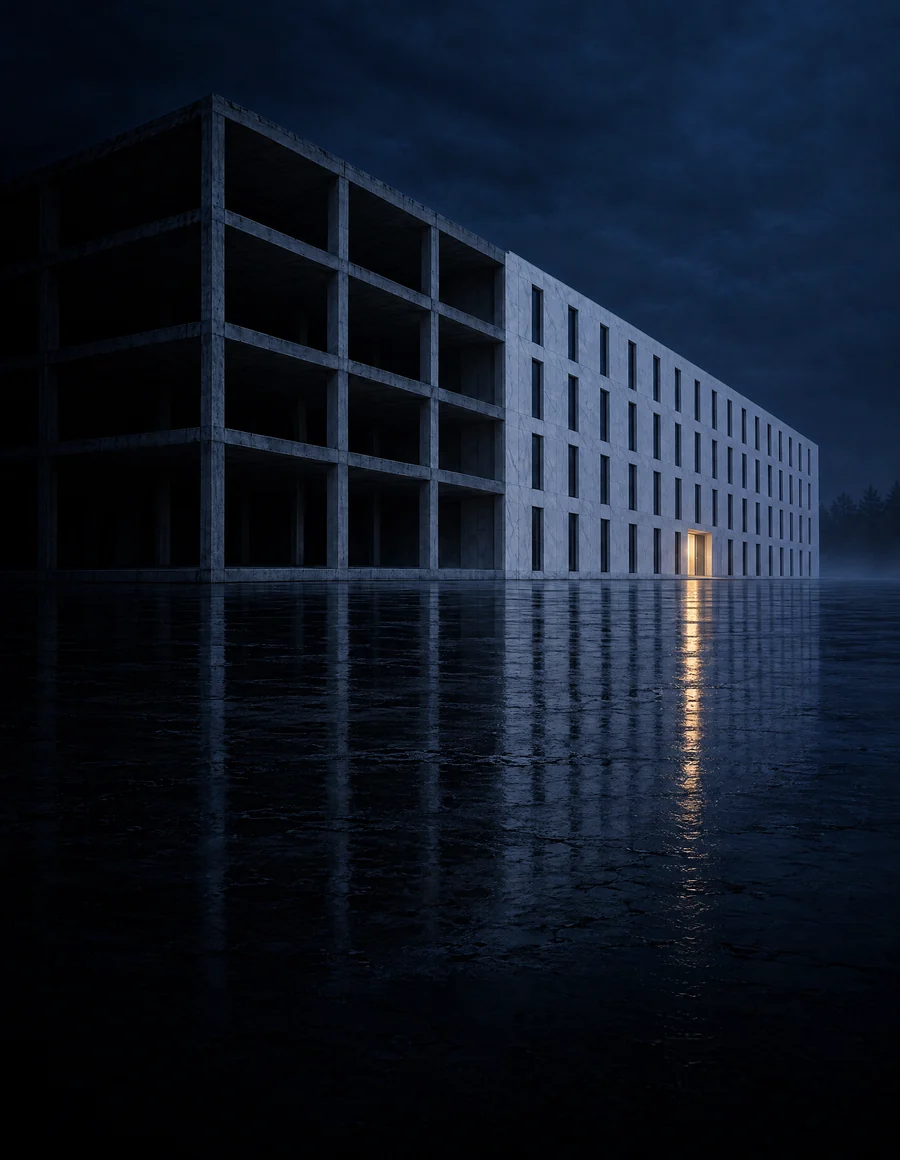
CAD to BIM conversion intelligent modeling in Revit
At KAMON & CO. we turn traditional 2D CAD drawings into intelligent 3D BIM models, improving the design, coordination and execution of your projects.
Request a consultationFrom 2D CAD to the BIM model
We move your processes toward digital efficiency
CAD systems were essential to the development of technical drawings, but their two-dimensional approach can lead to errors, cost overruns and poor coordination. With BIM, we bring architecture, structure and MEP into a single model, improving communication between everyone involved in the project.
Scope
Conversion services
- 01
Conversion to BIM
- CAD to Revit conversion
- PDF to BIM conversion
- Point cloud to BIM
- 02
Conversion by discipline
- Architectural BIM conversion
- Structural BIM conversion
- MEP BIM conversion
- 03
Conversion to CAD
- Image to CAD conversion
- PDF to CAD conversion
- Paper to CAD conversion
- 04
Digitization
- 2D to 3D CAD conversion
- As-Built CAD
- Architectural digitization
12
Conversion services: six into BIM and six into CAD, from paper drawings to Revit models.
Samples
From 2D drawing to model
A conversion developed by the KAMON & CO. team, step by step: the source CAD drawing, the Revit model and the views generated from it. Tap any image to see it in detail.
-
Source CAD drawing
Foundation beam plan in 2D CAD, with grids, dimensions and the section of each beam.
-
Revit model
The resulting BIM model: architectural envelope and reinforced concrete frame.
-
Model views
North and south elevations generated from the model, with grids and levels.
Advantages
Why migrate to BIM with ?
Coordination
Full coordination across disciplines.
Documentation
Accurate, up-to-date documentation.
Visualization
Clear, professional 3D visualization.
Cost control
Fewer errors and tighter cost control.
Local standards
Aligned with Colombian standards and regulations.
Applications
Who is it for?
- 01Architects
- 02Structural engineers
- 03MEP engineers
- 04Contractors
- 05Projects archived in CAD
- 06PDF or paper drawings
Process
Our methodology
- Step 01Input files
- Step 02CAD review
- Step 03Template
- Step 04BIM modeling
- Step 05Verification
- Step 06Documentation
- Step 07Delivery
Frequently asked questions
Which source formats do you accept?
We work from CAD files (DWG or DXF), PDF, images, scanned paper drawings and point clouds. The more complete and legible the source information, the more faithful the model.
What level of detail (LOD) do I need?
It depends on how the model will be used. LOD 200 captures the general geometry and supports studies and early coordination; LOD 300 defines each element with precise dimensions and position for coordination and documentation; higher levels add fabrication or installation information. We set it in the initial technical review.
What should I send for a quote?
The source drawings, the disciplines to convert (architecture, structure or MEP), the required level of detail, the intended use of the model and the target timeline.
How long does the conversion take?
The timeline is set by the scale of the project or the date the client needs: we assess the scope and confirm in the quote whether it can be met. We reply to every inquiry in under 24 business hours, and the formal quote takes 1 to 2 business weeks from the moment we receive the complete information.
Can several disciplines be integrated?
Yes. Architectural, structural and MEP conversions are federated into a single model to coordinate and detect clashes (clash detection) before construction.
Does the model comply with codes?
We model according to the codes and delivery standards of each project and check the model’s consistency with the information received. The design, its code compliance and its approval remain with the project’s professionals of record.
What if the CAD drawings have inconsistencies?
Modeling brings out the differences between plans, sections and elevations. We log them and raise them before resolving them in the model: design decisions remain with the designer.
Do you also convert to CAD?
Yes. We digitize paper drawings, images and PDFs into CAD, convert 2D drawings into 3D CAD and produce As-Built CAD drawings.
Do you work with clients outside Colombia?
Yes. We are a fully remote firm with projects in Colombia and abroad, delivering in Revit 2026 or later, or IFC for teams working on other platforms.
Do you sign confidentiality agreements?
Yes. When the project requires it, we sign a non-disclosure agreement (NDA) before receiving any information.